Connecting with and engaging learners during lockdown is no easy task. It can seem too challenging when there is a shortage of devices for learners and limited internet data. Even knowing where to start as a teacher is a challenge. I want to share the journey, setbacks and successes of one teacher and her class as we worked together to connect and engage learners over a lockdown.
The teacher's school does not currently have 1:1 devices; in fact, far from it. "We'd be very blessed if we had a device per child in a house, and that's not our reality," principal Jason Swann says. "Our reality can be no devices, no connectivity, right through to a phone being the only device that people are using." 1 Each student might have a device for a short time for learning each day or possibly not at all.
Learners do not have individual Google accounts. However, when school is face to face, they share iPads across many classes. So students use a single Google account across classes with named folders in the Drive. Shared accounts work for the scenario of shared iPads as one user signed in on an iPad is ideal. However, it is more difficult when the students are learning via distance as it is hard to tell who is doing the work and students need to remember to file their work. However, a shared google account is familiar for the learners, so we stay with the status quo.
Teachers have a growing level of digital fluency. Most are using a class site to lead learning. All learning is on this site, and students know to always go to the site. Teachers plan activities that require students to create a digital learning object to show their learning. Learners file digital learning objects in individual Drive folders. The teacher can then share what learners are creating on the class blog. As teachers follow this process, they are increasing their digital fluency.
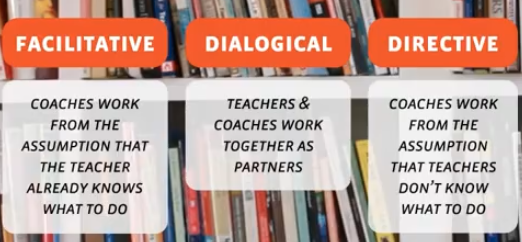
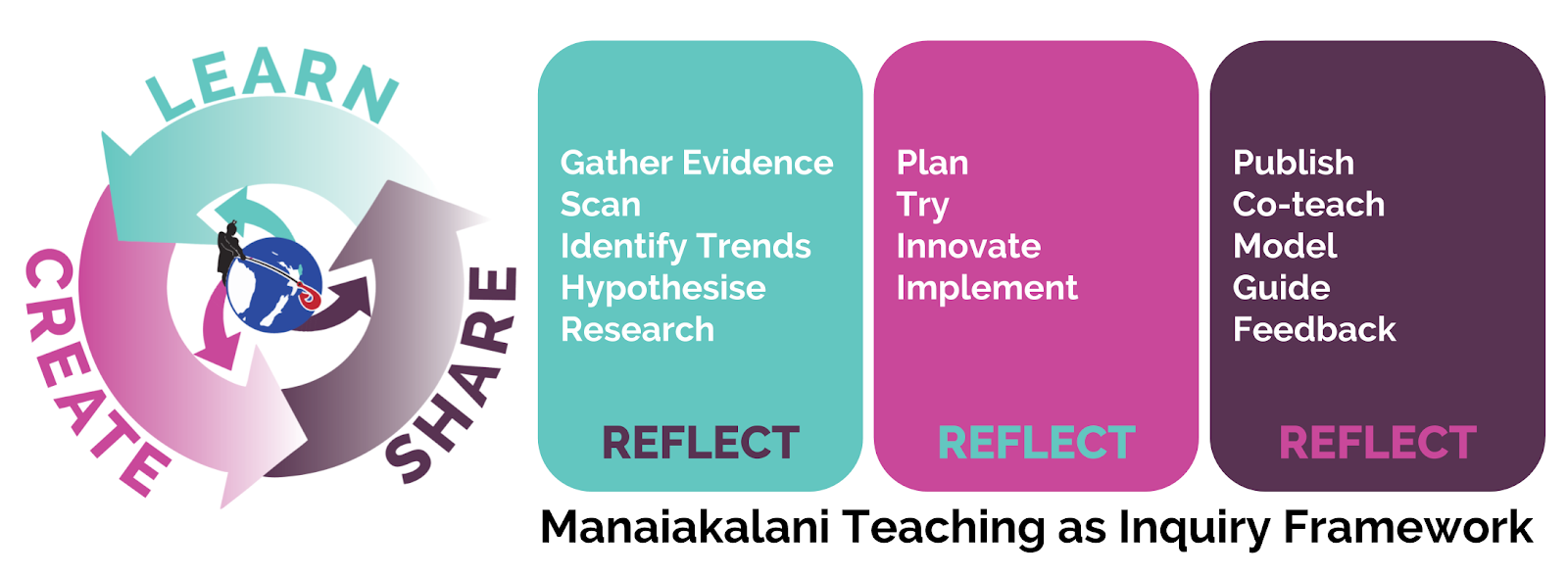
I facilitate teachers to implement a Learn, Create, Share pedagogy using Google tools. Visible teaching and learning empower this pedagogy. We use public class sites and blogs. Visibility allows sharing, which is essential. I work as a facilitator with many teachers across various schools in Te Purapura Ngātahi o Manaiakalani, an outreach cluster that uses The Manaiakalani Programme. Learn, Create, and Share is a simple yet powerful teaching method.
Planning
We started copying what other teachers were doing on their class sites. The public class sites meant we could see what these teachers were doing. The sites showed how to set out the activities on one page. We could find learning activities that might work for her learners. We got a sense of the way to offer simplified learning activities. The teacher added content to her class site each day. She published the teaching on the class site and rang whānau (families) to let them know. She informed whānau she would add more content regularly. Copying what others were doing was a great place to start.
We worked on a dual plan for learners with or without a device. Many learners might have Mum's phone for 10-15 minutes to see what was on the class site and then get on with the learning on paper for the day. Then, when the tasks were complete, the learner sent photos to the teacher. A small number of learners had a dedicated device. Learners with a device could create content digitally and share it via the Drive folder. We planned each learning task to be done either online or on paper.
Connecting
The teacher started posting a video of herself on her class site explaining what she was doing and connecting with her learners. She decided to do this twice a week. She allowed them to see her face and hear her voice when they came to the class site. Learners could watch the videos at any time and as often as needed. The learners responded by completing more of the learning tasks. The teacher's short video clips are a powerful way to connect with learners asynchronously. Challenges
We recognised the teacher was doing more of the 'heavy lifting' than her learners. She was working harder than the learners. So we planned a challenge (see slide 2) for learners each Thursday and Friday. We created a challenge based on the Cybersmart Challenge blog. We began by using a skill the learners already had. They knew how to make an animation in google slides, so we asked them to do that in another context. The teacher posted the success of one learner creating an animation on the class blog. The learners got excited about these challenges. The teacher started publishing her challenges late in the evening for the learners to attempt the next day. Here is an example of a later challenge in this blog post. This time there are four creations. Challenges could be repurposed easily in a range of contexts. The learners now showed what they could create, and the teacher worked smarter rather than harder.
Connecting with Learners
In the seventh week of lockdown, we talked again about increasing connection with learners via Google Meet. The teacher agreed to trial a Google Meet and see how many learners might join. The aim was a short Meet to connect and catch up with learners. I ensured that learners did not need a google account to connect to the Meet via the Google Admin settings. We planned the Meet for the week ahead, let whānau know what was happening and added details to the Remote Learning page on the class site. It was a success! 22 out of 33 learners joined the Meet the first time, and it became a regular event twice a week with good numbers joining regularly. Connecting with learners in real-time was a big step forward and significantly increased social and learning engagement.
Certificates
The teacher started awarding certificates to increase learner engagement and attendance at Google Meets. Each week, the teacher published awards on the class site. The certificates were an encouragement to the individual learner who received them. Other learners could see the certificates and get motivated to try and gain recognition themselves. Students who were lurking rather than engaging were spurred on to join the regular Meets. As a result of the certificates, more learners connected with the teacher and more attempted learning activities.
Flying
The teacher and her learners are now flying with their learning. They each know how to teach and learn, whether they're physically together or apart. They can achieve well if some of the class is at home and some at school. As well as this, learners maintained social connections with the teacher and one another over an extended lockdown. Learning continued, and the transition to school after the lockdown was significantly more manageable.

Reflection
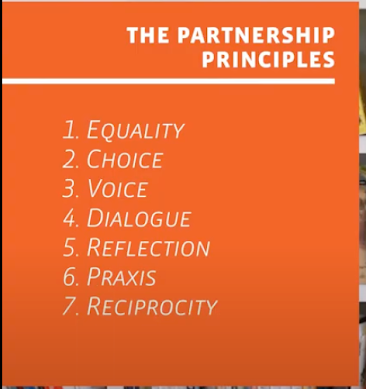
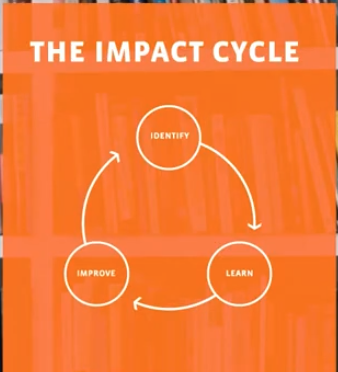
In my coaching role, I modelled a learning process. I showed how to find examples, tweak these for new learners, try things out, get feedback and try again. This required a relationship of trust with the teacher. I built this before the lockdown as I facilitated in her class. So, the teacher was willing to try out the successful examples I showed her and tweak them as we discussed better ways. She tried ideas new to her, but sometimes we discussed the same suggestion several times before implementing it. The teacher brought her good teaching practice and digital fluency to the process. I was able to cheer her on as we saw the success of her own ideas. I hope the learning process I have modelled will continue to be used.
1. https://www.newshub.co.nz/home/new-zealand/2021/10/auckland-parents-to-learn-this-week-when-children-can-return-to-school.html